Integrators Choose PixLite®


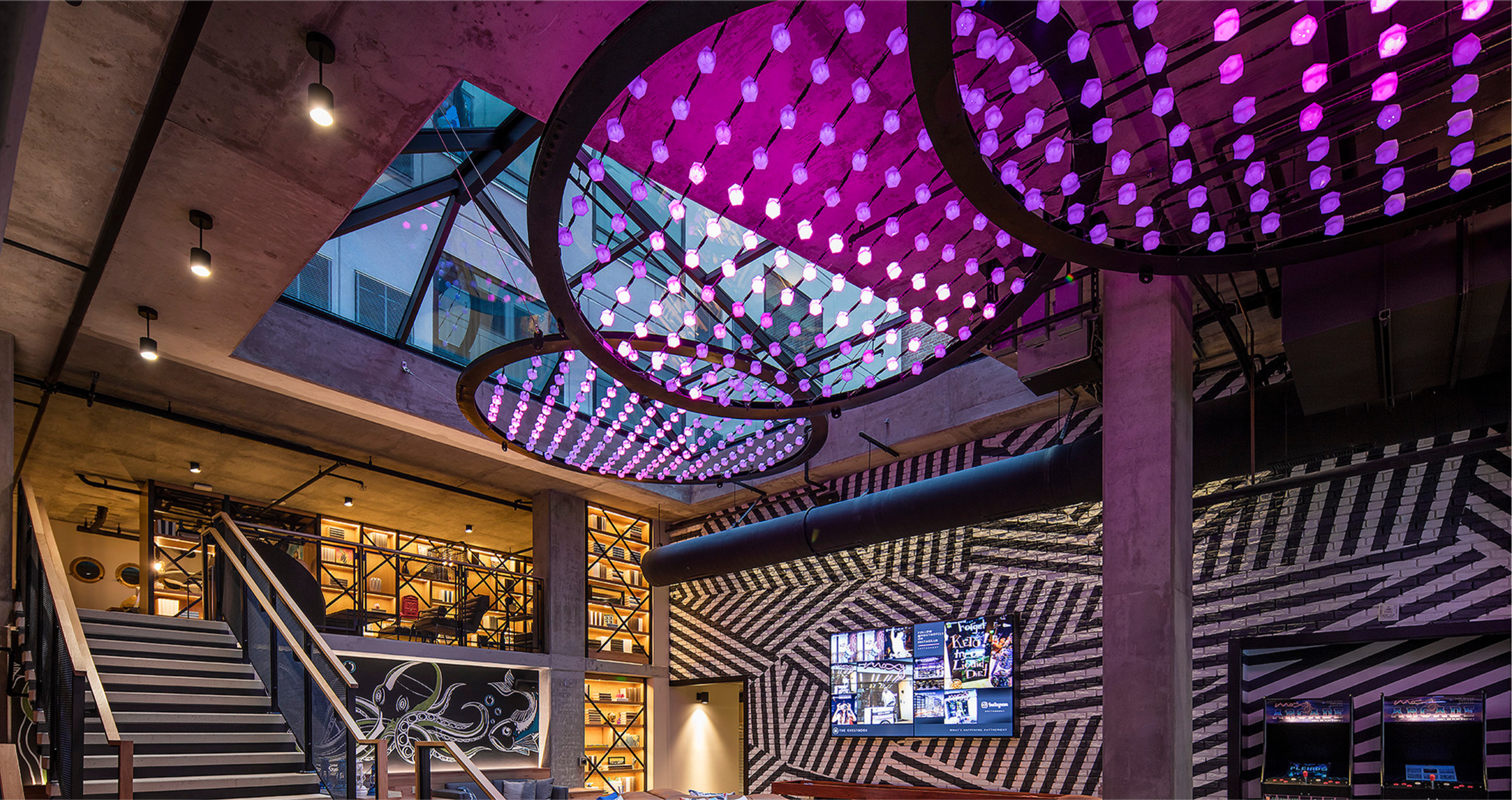
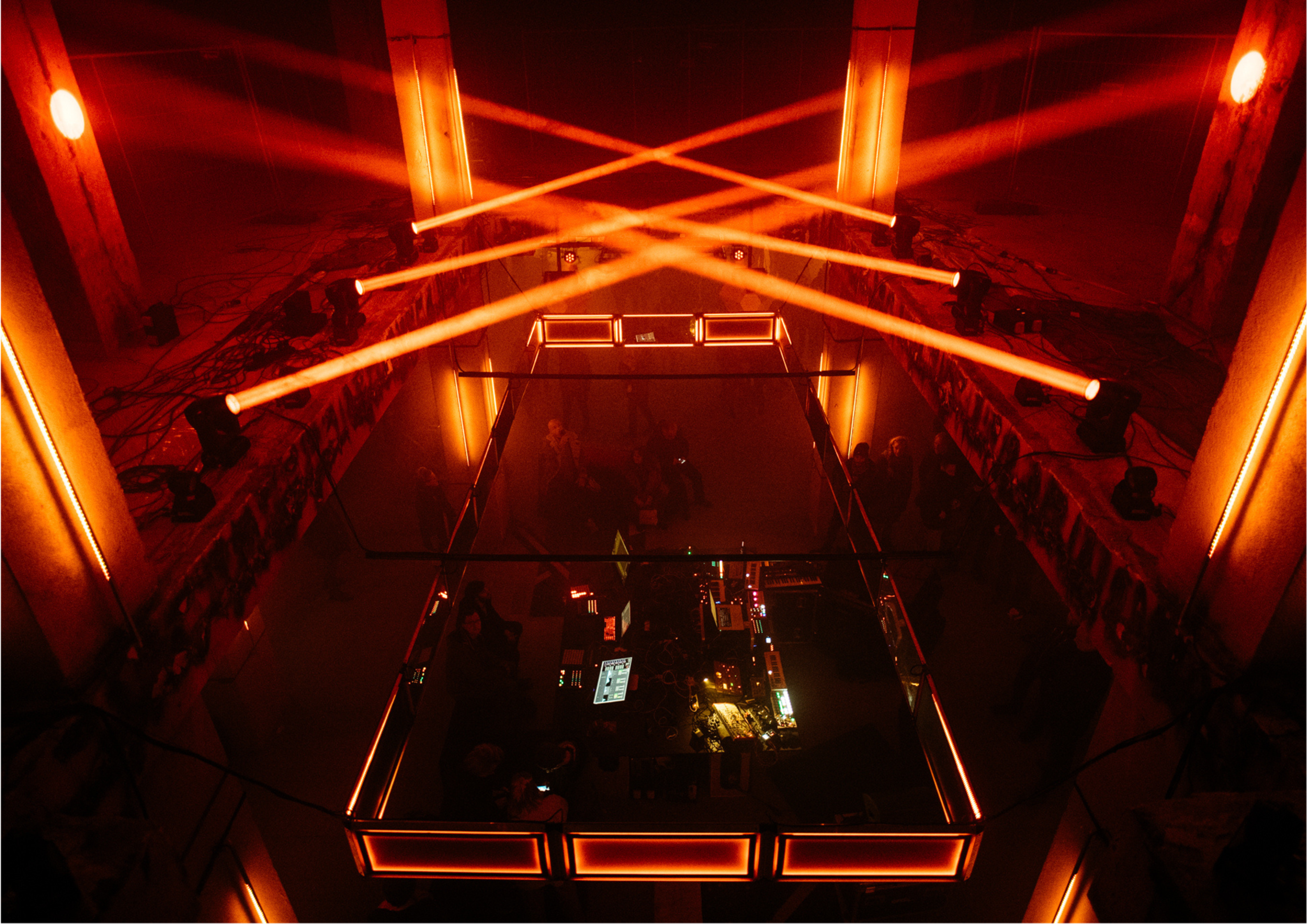

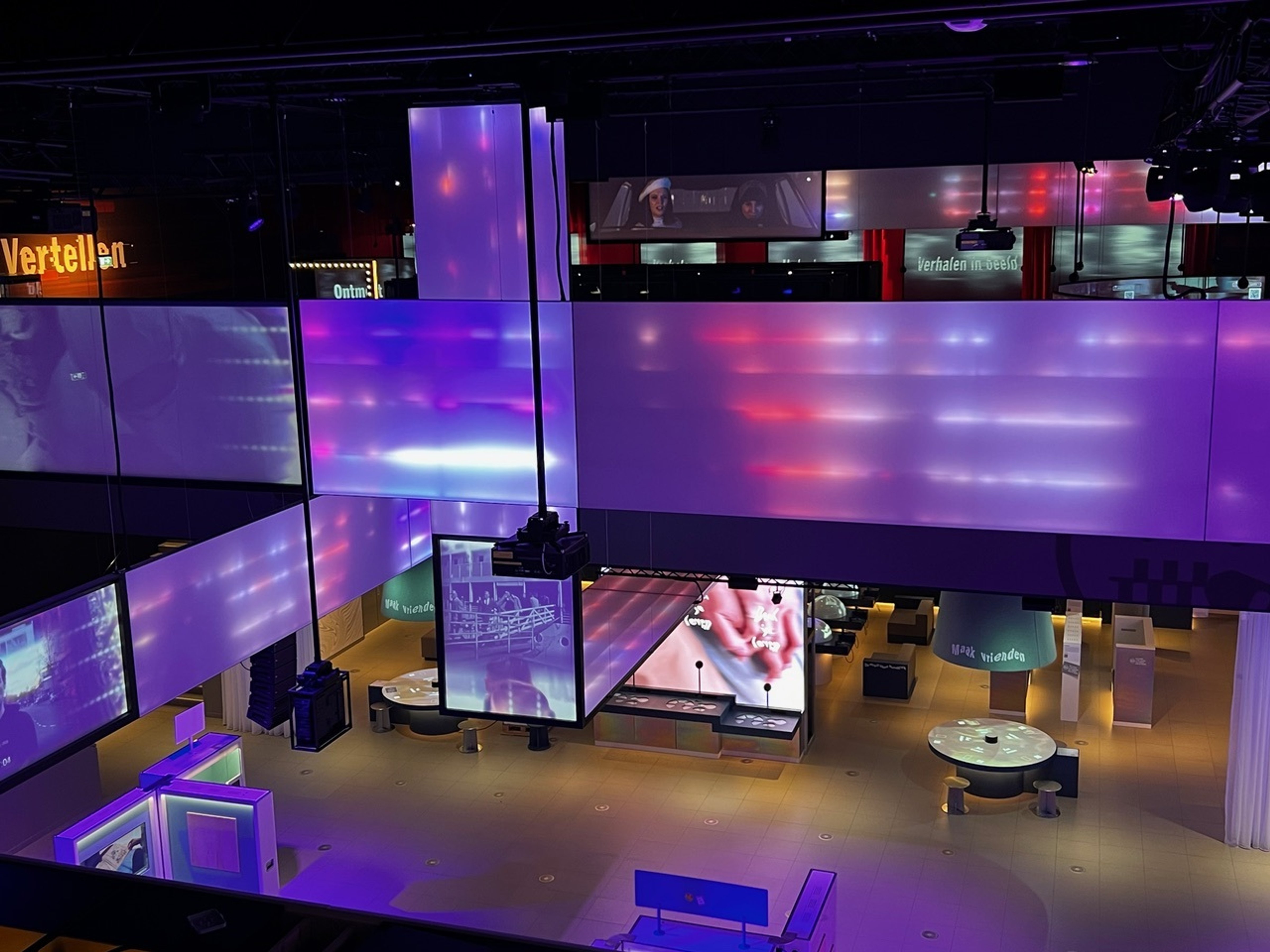

Plan PixLite® around the LEDs, data network and commissioning, so every part has a clear place in the finished installation.
Approve interfaces that carry lighting content into the pixel control system.
Plan commissioning early with addresses, output assignments and test procedures set before installation.
Hand over a clear system map that gives the operating team what they need to maintain it.
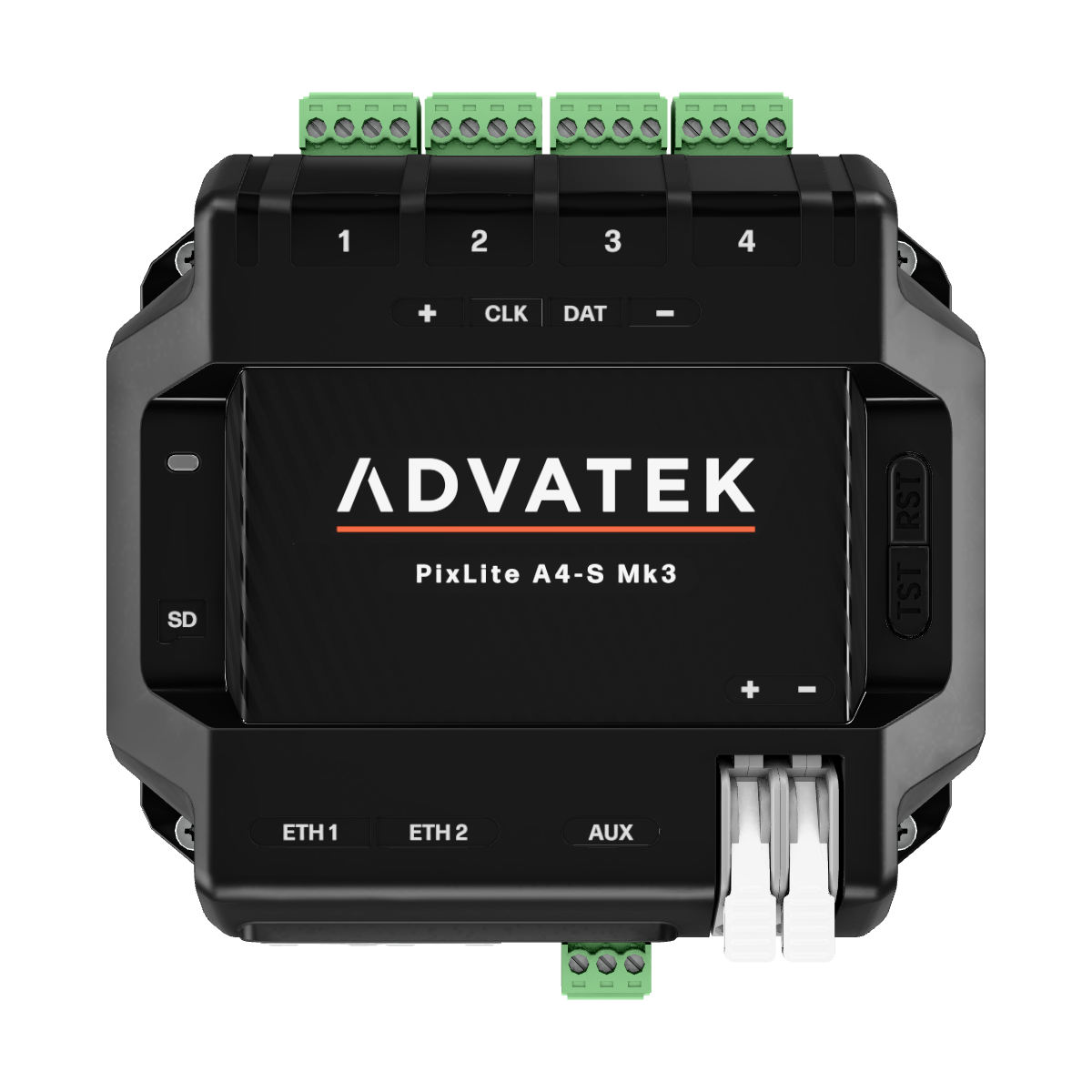
DiscoverPixLite®Mk3
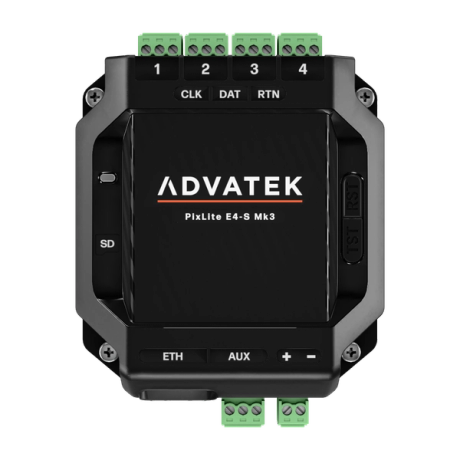
PixLite® Mk3 controllers take Art-Net, sACN or DMX512 from consoles, media servers and control systems and turn it into pixel data for over 90 pixel protocols.
Every Mk3 runs the same processor and web interface. Configure, monitor and update it from any browser or Advatek Assistant 3. AutoIP lets you talk to a unit straight out of the box, and config files export and import between devices.
When something’s not right, built-in test patterns, live frame rates and per-universe packet stats help you find it. Capture a diagnostics report and send it straight to Advatek support.
Firmware updates are free and keep your configuration. Every Mk3 controller is made in Australia and comes with a five-year warranty.
Capabilities
Fewer site visits, faster handover

Configure from any browser. Manage every Mk3 through its web interface or Advatek Assistant 3, with AutoIP for instant connection.
Fault protection on every port. ESD, over-current, short circuit and reverse polarity, with self-resetting smart fuses on the A4-S Mk3.

Daisy-chain with confidence. Dual gigabit ports and a universe data hardware firewall on A and T series, with redundant loops via STP.

See what’s happening. Test patterns, live frame rates, per-universe packet stats and diagnostics reports for Advatek support.
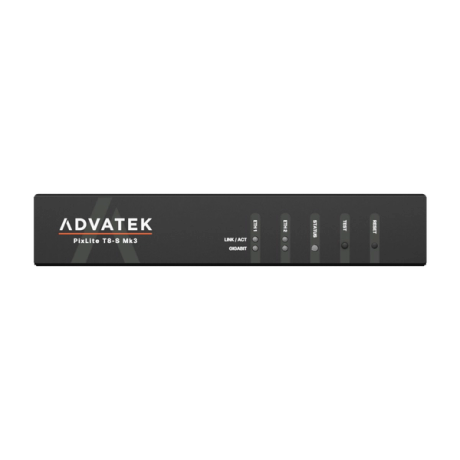
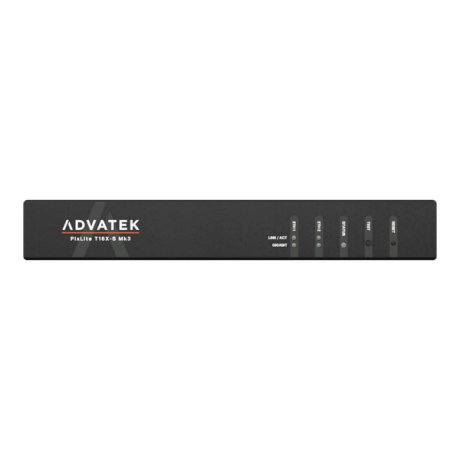
Keep controllers together. T8-S and T16X-S transmitters send data up to 300m to receivers over standard Cat5/6 cable.
Commissioning a pixel system? We can help

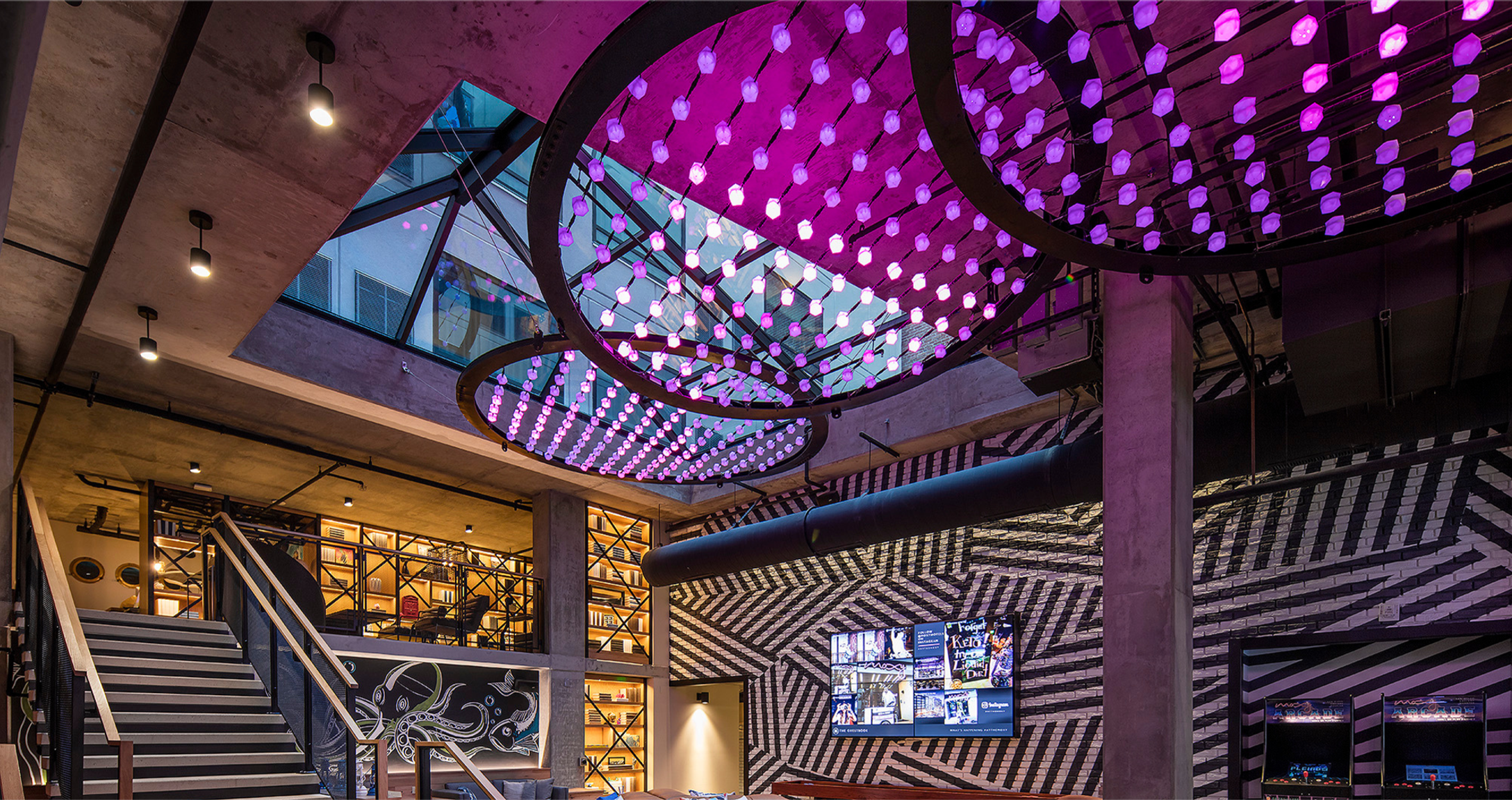

I was really impressed at how fast Advatek replied to my query and had so much information and advice to share.
Patrick O'Neill – Lighting Designer at Tricktronix
The features of the A4-S Mk3 product were very simple to configure and deploy, while being very robust with the built-in protection and monitoring systems.
Nick Holdbrooks – Lighting Designer at Go Live Productions
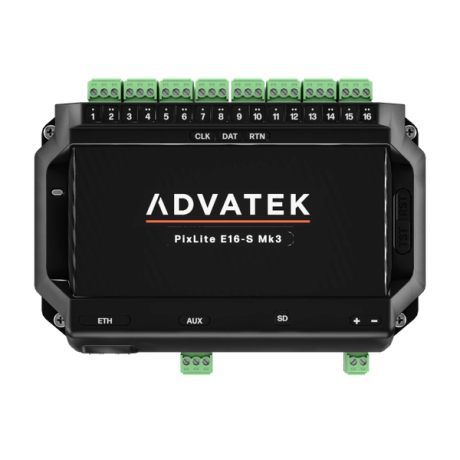
Advatek's E16-S Mk3 controller not only provides a wealth of functionality, it even looks professional. I never have any fears of opening the box and showing the client what's inside.
Jeffrey Holmes – Experience Designer at IWG Productions
The Advatek PixLite® A4-S Mk3 has become the go-to standard for pixel control on Broadway. Its flexibility and channel capacity are unmatched in anything we have used before.
Kevin Barry – Production Electrician at & Juliet Broadway
Products
Explore PixLite®
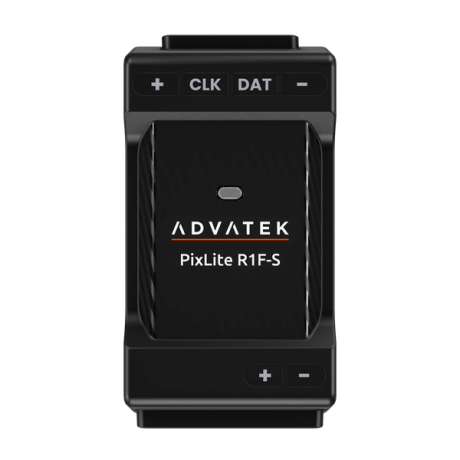
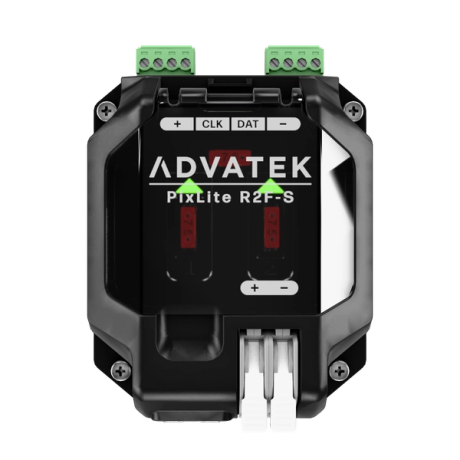
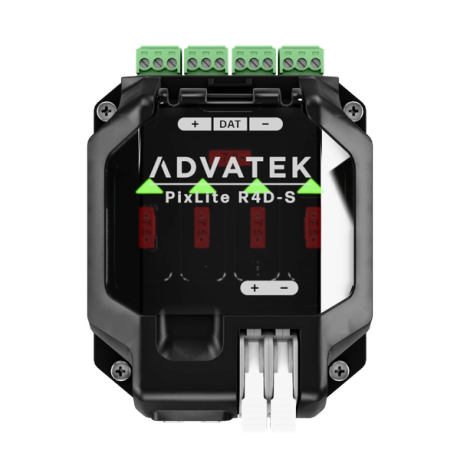
Explore Long Range and Direct Connect. Use the relevant setup guides, management documentation and the while developing the system.
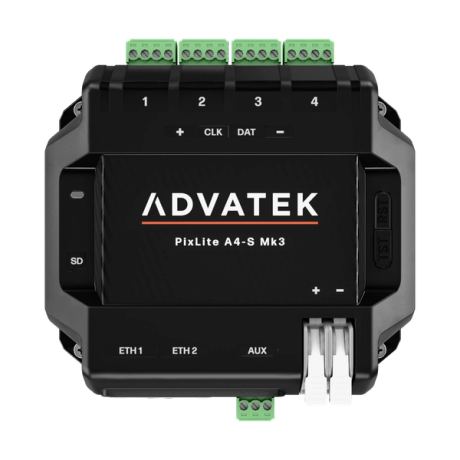
Insights
Everything wired up for integrators

Nexmosphere Integration Guide
Use Nexmosphere presence sensors, buttons and RFID readers to make pixel lighting respond to visitors and to craft a more immersive environment.
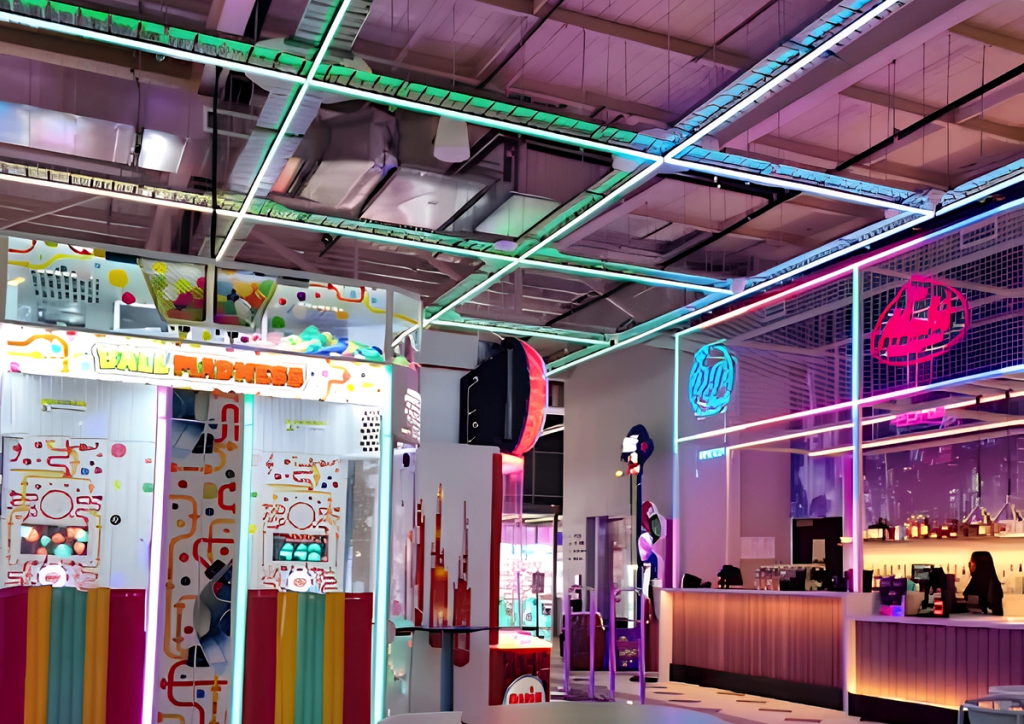
Light-Ctrl · Sydney, Australia
Pixel-packed party lighting for DJ's Arcade
Find out how Light-Ctrl brought pixel to a Sydney hospitality venue
Announcing Advatek Toolbox
Announcing Advatek Toolbox: a growing collection of browser-based utilities designed to make PixLite® Mk3 planning, configuration and content workflows easier to manage

How to Design LED Pixel Systems for Large Façades
Learn how to design LED pixel systems for large façades, including pixel pitch, data distribution, power, environmental protection, playback, and serviceability.

Optimizing Controller Settings for High Pixel Counts
Once an LED pixel installation starts getting large, controller setup stops being a small detail and starts doing a lot of heavy lifting. High pixel counts put more pressure on network bandwidth, controller processing, pixel-output timing, power distribution, and signal integrity. Get those settings badly matched and you can end up with frame overruns, tearing or choppy playback, packet loss, and unstable pixels.

Advatek Toolbox Guide
An overview of Advatek Toolbox and all of its features, how to access them and a description of each one.
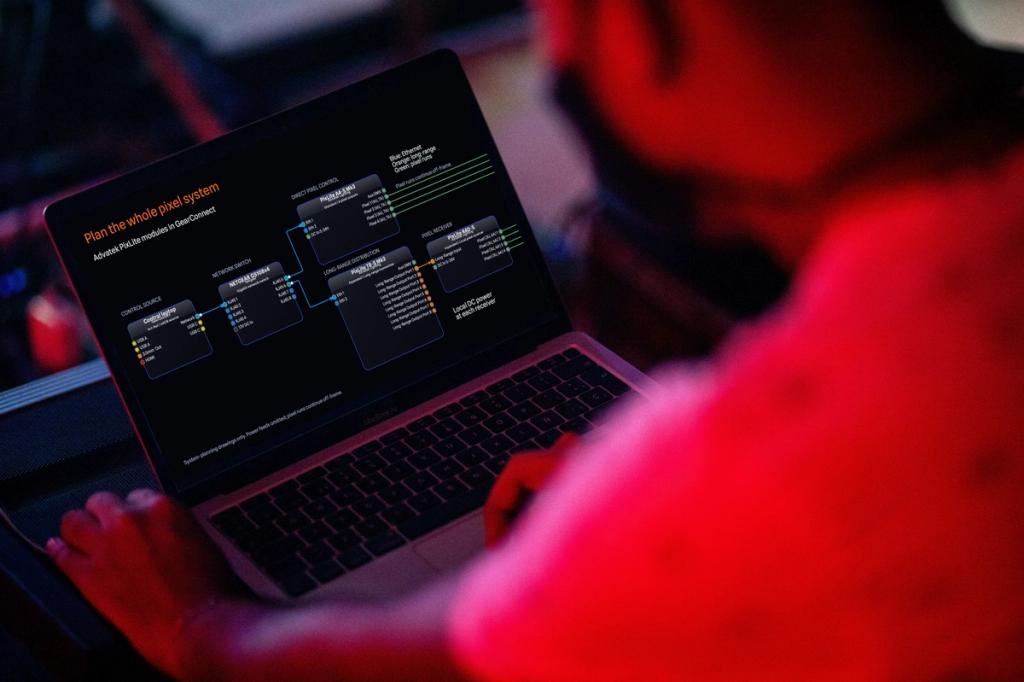
Advatek PixLite® Mk3 Diagram Blocks Now Live in GearConnect
Advatek PixLite® Mk3 modules can now be found in GearConnect's default library.
GearConnect Integration Guide
GearConnect is a web-based drawing platform for live events and entertainment. Advatek’s reusable PixLite® blocks help you document controllers, receivers and connections alongside equipment from other brands, reducing the time spent recreating device layouts.

WS2811 vs WS2812 vs WS2812B: Differences, Compatibility and Controller Selection
Compare WS2811, WS2812 and WS2812B pixel LEDs by voltage, IC design, wiring, compatibility, frame rate and PixLite controller selection.

Refresh Rate vs Frame Rate in LED Pixel Control
Understand frame rate and refresh rate in LED pixel systems, including controller output limits, PWM rate, smooth playback, camera performance, and large-scale design.

Demystifying Pixel Control
Pixel control is a deep and varied field; in this article we explain it at a high level.

What to Look for in Pixel Control Hardware
Find out what to look for in pixel control hardware in the architectural lighting design, specification and integration space.
FAQs
Common questions from integrators
What are the benefits of choosing conformal coating for my project?
What are the benefits of choosing conformal coating for my project?
Conformal Coating is now available as an option on all PixLite® pixel controllers, and is used for harsh environments. Benefits include Greater Protection Against Corrosion, Increased Reliability and Product Life, and Enhanced Electrical Insulation. More information can be found in our "Resources" section.
What's the maximum distance between a standard controller and my LED array?
What's the maximum distance between a standard controller and my LED array?
For standard installations, the recommended maximum distance between a PixLite® Mk3 pixel controller and the start of an LED array is 15 meters (45 feet). This can be extended with a Long-Range option such as the PixLite® T8-S Mk3 or T16X-S Mk3. You can find out more about our long-range options in the "Guides" section of our website or by contacting us directly.
What's the maximum distance between a long range controller and my LED array?
What's the maximum distance between a long range controller and my LED array?
For long range installations, two distances must be considered; between the pixel transmitter and receiver, and between the receiver and the LED array. The recommended max distance is 300 meters between a PixLite® T8-S Mk3 or T16X-S and each PixLite® Receiver (R4D-S, R1F-S, R2F-S). And the maximum distance between each receiver and array, is 15 meters
What is Advatek Assistant?
What is Advatek Assistant?
Advatek Assistant is an installable software package that provides discovery and management capability of multiple PixLite® pixel controllers.
How do I keep my software/firmware up to date?
How do I keep my software/firmware up to date?
The latest version of PixLite® Mk3 Firmware is regularly updated, adding enhanced features and support for an increasing number of pixel protocols. it is available from the "Downloads" section of the website. Firmware for Classic Mk2 and discontinued Mk1 products is also available from this section, although it is no longer being updated.
What lighting software is compatible with PixLite® controllers?
What lighting software is compatible with PixLite® controllers?
PixLite® pixel controllers are software agnostic, designed to work flawlessly with the most popular lighting software systems, consoles and media servers. All PixLite® Mk3 controllers support Art-Net and sACN network lighting protocols for receiving DMX over Ethernet.
What pixel protocols do PixLite® controllers support?
What pixel protocols do PixLite® controllers support?
PixLite® Mk3 controllers support over 90 of the most common pixel protocols, and we are constantly adding to this number. You can obtain the latest information on the pixel protocols supported in our Pixel Protocol Glossary section.
Are PixLite® controllers suitable for outdoor use?
Are PixLite® controllers suitable for outdoor use?
PixLite® Mk3 devices are rated for indoor use only. If used outside they should be fully sealed within a suitable weatherproof housing, and we would also recommend Conformal Coating for added protection. Use of PixLite® products in a non-standard operating environment may affect the warranty terms. You can find out more on Conformal Coating in the "News" section of our site.
How do I inject power to my LED pixels?
How do I inject power to my LED pixels?
When designing your pixel lighting system, there is a need for careful consideration of power. One of the most important decisions that needs to be made is whether to inject power into your pixel lights directly from an external power supply, or to power them through the pixel controller itself. Refer to our in-depth guide in our "Resources" section
How many PixLite® Mk3 products can I daisy-chain together?
How many PixLite® Mk3 products can I daisy-chain together?
With both the PixLite® Mk3 A-Series and PixLite® Mk3 T series Dual-Gigabit Ethernet ports, you can daisy-chain devices together, connecting one network port to the next. With almost zero latency from device to device, the number of devices you can daisy-chain is practically limitless.
How far can I run a cable between my PixLite® controller and PC or console?
How far can I run a cable between my PixLite® controller and PC or console?
The connection between a PixLite and PC/console/network switch is an Ethernet connection, using standard network cable. As such, the maximum length on this cable should follow the standard of the Ethernet communication protocol, which is 100 meters.
Can PixLite® connect with Crestron, Control4 or Pharos?
Can PixLite® connect with Crestron, Control4 or Pharos?
Yes. Advatek offers integration resources for Crestron and Control4, and Pharos Designer supports PixLite® Mk3 integration. These options help bring pixel lighting into a wider control experience. Your integrator can review the relevant documentation to confirm the setup and functions available for your project.